Look Ma, No Hands
A macOS voice dictation and meeting transcription app. 100% local, privacy-first, built with WhisperKit and Core ML.
Background & Overview
Voice dictation should be simple: you talk, words appear. But every tool I tried sent my audio to someone else’s server. Every one. That felt wrong - not just philosophically, but practically. I didn’t want my meeting conversations, private notes, or half-formed ideas traveling through someone else’s infrastructure. So I built the thing I wanted.
Look Ma, No Hands is a macOS app that does voice dictation and meeting transcription entirely on your machine. No cloud. No accounts. No internet required after the initial model download. Your voice never leaves your computer.
The Problem
Existing voice dictation tools require cloud processing, creating privacy and latency trade-offs that shouldn't be necessary. Meanwhile, meeting transcription tools demand subscriptions, accounts, and trust that your conversations won't end up in a training dataset.
Designing for invisibility.
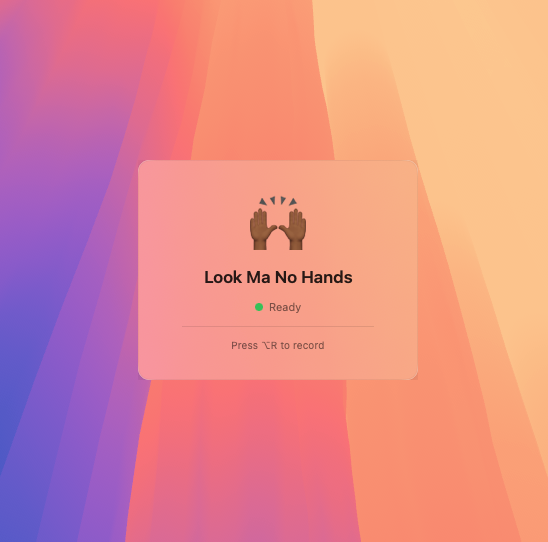
The best tool is the one you forget is running. Look Ma, No Hands lives in the macOS menu bar. Present when you need it, invisible when you don’t. Press a hotkey, speak, press again. Text appears in whatever app you’re working in. The whole interaction takes about a second.
I spent a lot of time on the recording indicator, a floating element with an animated border inspired by Siri’s visual language. It needed to be noticeable enough that you know you’re recording, subtle enough that it doesn’t break your focus. That balance between visibility and discretion defined most of the UX decisions.
The hotkey system supports Caps Lock toggle, custom key combinations with real-time validation, and dynamic switching without restarting the app. It even auto-pauses your music when dictation starts and resumes when it stops. A small touch, but the kind of thing that makes a tool feel considered.
My Process
I designed and built this end-to-end: product definition, UX design, Swift/SwiftUI development, WhisperKit integration for Core ML acceleration, security hardening, and distribution via Homebrew. The entire stack is native macOS - no Electron, no web views.
Meeting transcription that stays in the room.
Beyond dictation, the app captures system audio from video calls - Zoom, Meet, Teams - and transcribes in real time. When the meeting ends, a local AI model transforms the raw transcript into structured notes: decisions, action items, follow-ups. All of it processed on-device using Ollama.
The meeting transcription UI needed to handle a different mode of interaction than dictation. Dictation is quick and transactional. Meetings are long and contextual. I designed the flow to support live transcript viewing during the call, with post-meeting note generation as a separate, deliberate action.
The Outcome
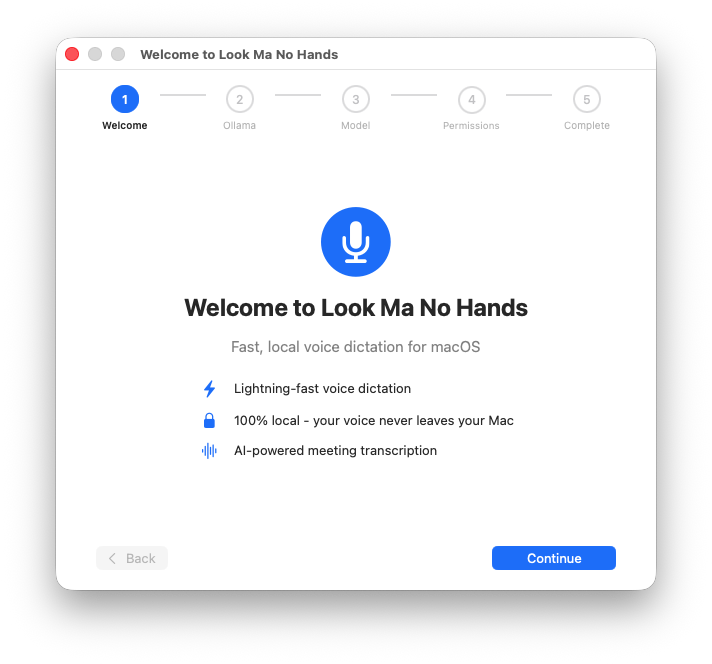
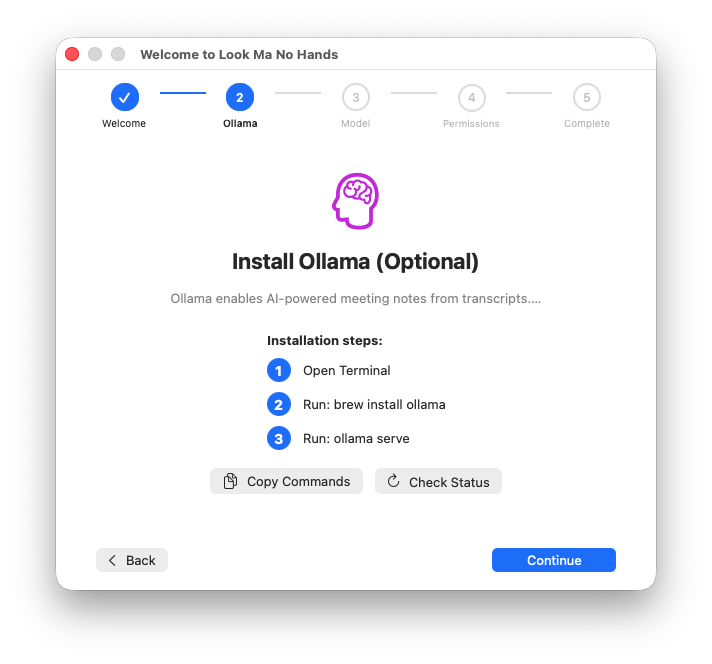
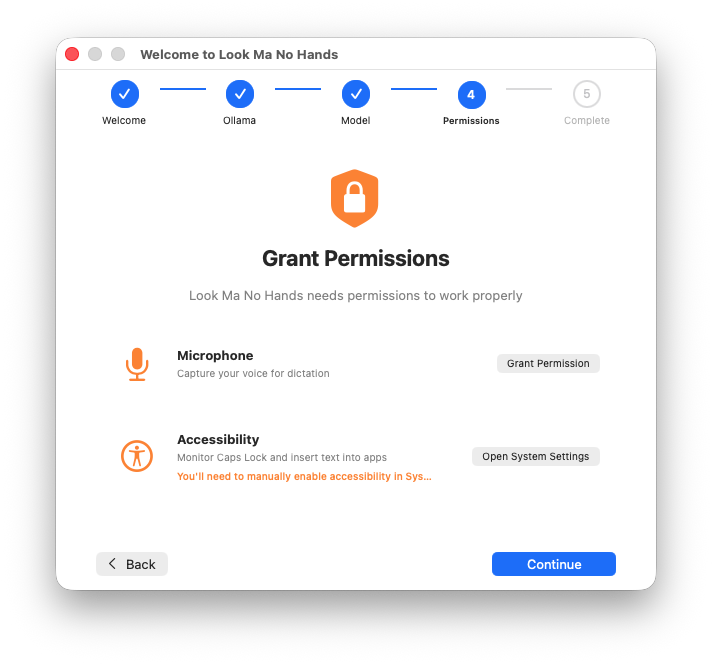
Look Ma, No Hands is open source under the MIT license, installable via brew tap qaid/lmnh && brew install --cask look-ma-no-hands, and signed and notarized by Apple for trusted distribution. It processes ~1 second of transcription time for 16 seconds of audio using WhisperKit’s Core ML acceleration; 2.7x faster than CPU with 75% less energy consumption.
The app has been through a comprehensive security audit with all findings addressed: verified model downloads, cryptographic update signatures, path-traversal protection, and automated CI/CD security scanning.
Source code: github.com/qaid/look-ma-no-hands
Like what you see?
Don’t hesitate to reach out so we can chat about working on a project together.